
Table of Contents
Quick Summary
Treatment center video ideas work best when they answer the questions people have before they call. Video helps addiction treatment and behavioral health providers earn trust faster in local search. Short, privacy-safe clips that show the environment, explain what happens next, and connect the program to the local community reduce uncertainty for people who are nervous about reaching out and support stronger Google Business Profile performance.
5 Key Takeaways
- Clarity beats polish. A steady set of simple videos answers the questions people have before they call, what the space feels like, what the process looks like, and what happens next.
- Shorts are the easiest starting point. Consistent vertical videos can show up where local searches happen and create a “vibe check” that photos cannot.
- Keep filming privacy-safe and compliance-first. Film empty spaces, avoid capturing clients or voices, and skip anything that implies outcomes or guarantees.
- Use repeatable formats, not random posts. Rotate a few proven video types, tours, next steps, levels of care explanations, clinician education, and community credibility, so content stays consistent without becoming a huge workload.
- Publish where people and AI look. YouTube is where video gets found, including in Google’s AI answers. Your website and Business Profile are where it builds trust.
Most addiction treatment and behavioral health organizations put real effort into their website, a handful of photos, and a solid description on their Google Business Profile. That is a good baseline, but it is rarely what tips a hesitant person from “maybe” to “I’m calling.” For the bigger picture of how video fits alongside search, paid ads and content, see our addiction treatment marketing guide.
Video does that job better than static media because it answers the unspoken questions fast: Is this place real? Is it safe? Do they feel professional? Do they feel human?
This topic has been highlighted by Google in its Small Business Bulletin, which has been encouraging small businesses to use video and Shorts as part of modern visibility. You can see the original bulletin discussion in Google’s thread on the Google Small Business Bulletin checklist.
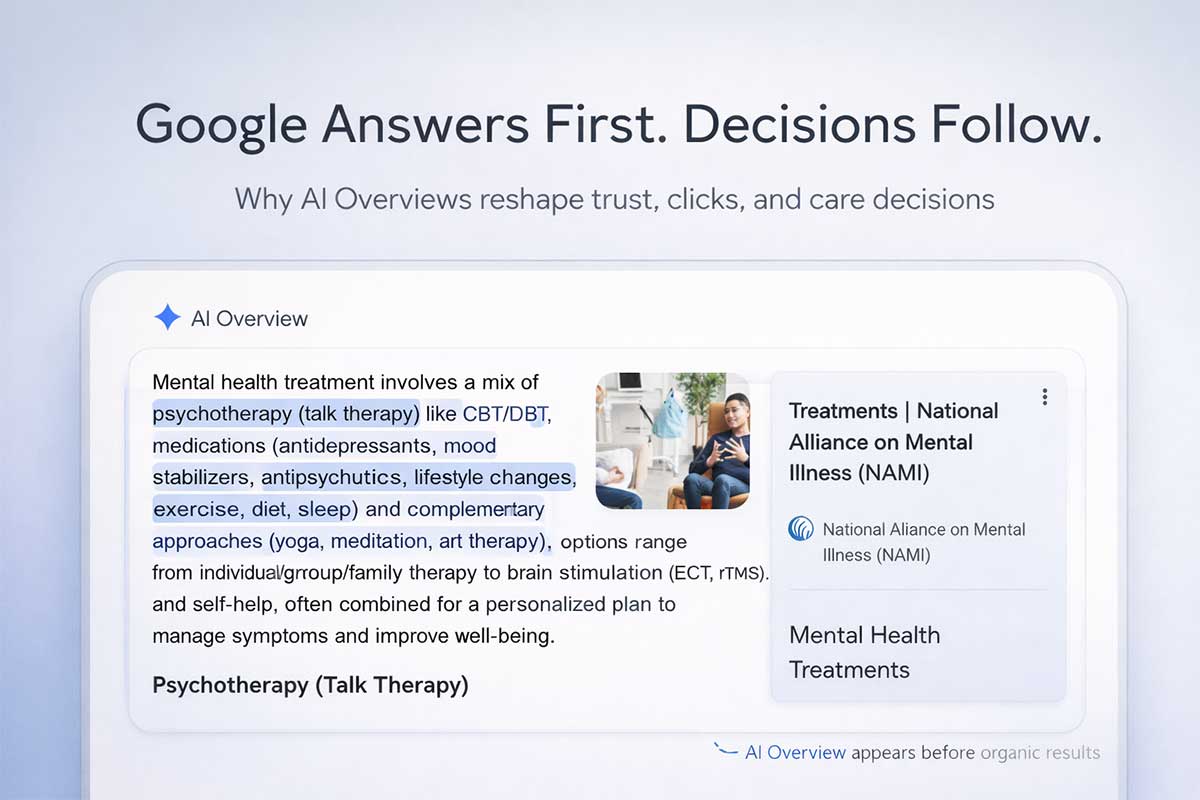
Video also matters for a newer reason. When Google answers a question with an AI Overview, it cites sources, and in an Ahrefs study of AI Overview citations across more than 3 million US searches, YouTube was the most cited website of all, at 22.9% of citations. A clear, well-titled video that answers a real question about care gives your program one more way to be the source those answers point to.
What “Video Strategy” Means For A Treatment Center
A practical video strategy connects three things:
Trust content: quick visuals that prove the place is legitimate, calm, and well-run.
Answer content: simple explanations of how care works and what happens next.
Local signals: content tied to your city and service area so it shows up where it matters.
This can be done with a phone, a basic plan, and a repeatable process. No production crew required.
Start Where Local Decisions Happen: Your Google Business Profile
Your Google Business Profile is often the first impression, even before the website. Adding video there helps people understand the environment and professionalism without clicking around.
Two practical moves:
Add short videos directly to your profile.
Facility walkthroughs, “what to expect” clips, and admissions explanations do well because they reduce uncertainty.
Keep Google’s limits in mind: Business Profile videos can be up to 30 seconds long and up to 75 MB, at 720p resolution or higher. That is plenty for a calm walkthrough or a single “what happens next” answer, and it is one more reason to plan short clips rather than trimming down a long one.
Connect your YouTube channel to your profile.
Google allows businesses to add a YouTube link as a social media link in GBP, and Google explains how to do this in its documentation on adding social media links to a Business Profile. That connection creates a clean bridge between your best video content and your local listing.
Video works best when it builds on a solid GBP foundation. If you want the bigger picture on what actually moves the needle in local rankings for treatment providers, this GBP ranking guide for addiction treatment and mental health in 2026 lays it out in plain terms.
Why Shorts Matter For Local Visibility Right Now
Short-form video is not just entertainment anymore. People use video to learn, compare, and make decisions. Google has leaned into this behavior with research and strategy guidance, including its overview of why video-first content strategies are winning attention.
For treatment providers, the value is straightforward:
- Shorts let you communicate safety and professionalism quickly.
- Shorts give your brand more “surface area” to be discovered.
- Shorts support trust for people who are not ready to talk yet but are actively evaluating options.
Search is also getting more visual. One example is YouTube’s move to bring Google Lens into Shorts, which has been covered in reporting about how viewers can search what they see while watching Shorts. The takeaway is simple: short video is becoming more searchable, not less.
Shorts can now run up to three minutes, but a longer limit is not a reason to fill it. For a treatment program, 20 to 45 seconds that answers one question well will usually do more than three minutes that tries to cover everything.
A Low-Stress Video Plan Built For Compliance
For addiction treatment and mental health providers, the best video strategy is not flashy. It is consistent, clear, and compliant.
Build 5 Repeatable Video Categories
Rotate these each week so content never stalls.
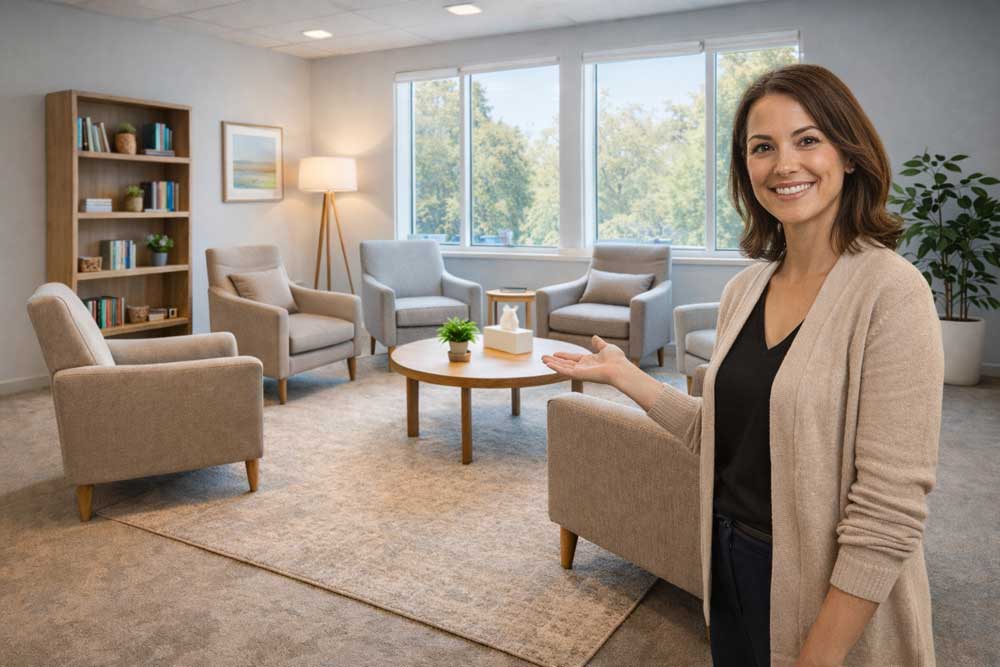
- Facility Calm Tour (10 to 20 seconds) Lobby, group room, outdoor area, dining space, or a hallway. No people.
- “What Happens Next?” Admissions Explainer (15 to 30 seconds) One staff member explains a single step: call, assessment, insurance verification, intake, first day.
- Program Clarity (15 to 30 seconds) Explain one difference: residential vs PHP, PHP vs IOP, how scheduling works, what structure looks like.
- Clinician-Led Education (20 to 45 seconds) One grounded concept: cravings, panic, sleep, relapse prevention, trauma triggers, family boundaries.
- Community And Credibility (10 to 20 seconds) Team training, staff huddle, accreditation wall, community outreach. Keep it general and privacy-safe.
A “Safe Filming” Checklist For Behavioral Health
This is the part that protects your team and your brand.
- No patients on camera. No identifying details.
- No whiteboards with names, schedules, or clinical notes.
- No clipboards, charts, sign-in sheets, or intake forms visible.
- Avoid background audio where patient voices could be captured.
- Avoid filming in active client spaces unless access is controlled and empty.
- Avoid outcome promises or implied guarantees.
If testimonials are part of the plan, treat that as a separate project with a real consent workflow and clear boundaries.
What We Learned Filming Our Own Videos
When we set up on-camera videos for ProDigital Healthcare, the first test clip taught us more than any gear guide. None of it needed a production crew. It needed a second look at things we had stopped noticing.
- The background tells on you. Our first test frame showed a whiteboard of client project notes over the shoulder. It was part of the room we had long stopped seeing. If a marketing office can miss that, a busy clinical building can too. Look at the whole frame before every take, and if you cannot clear the room, blur the background or choose a different wall.
- Audio matters more than the camera. The built-in computer microphone sounded hollow and echoey in a room with hard walls, and even careful cleanup only helped so much. An inexpensive clip-on microphone fixes most of it, and people will forgive soft video long before they forgive audio they have to strain to hear.
- Frame at eye level. A camera below the face looks up at the speaker and puts them too low in the shot. Raise it to eye level and leave the eyes about a third of the way down the frame.
- Read from just behind the lens. A teleprompter app on a phone or tablet placed right behind the camera keeps eyes near the lens, so the speaker looks at the viewer instead of off to the side.
- Record in short sections. Pause between sections, and if a line goes wrong, pause and say the whole sentence again. It makes editing faster and takes the pressure off getting a perfect take.
How To Make Every Short Locally Relevant Without Sounding Spammy
Local relevance is context, not keyword stuffing.
- Say the city or county once in the spoken script.
- Add on-screen text like “Serving Marin County” or “Outpatient in Orange County.”
- Use the location tag when posting (when appropriate).
- Use one to two local phrases in the description.
- Keep it natural. The goal is recognition and clarity.
“Curate, Don’t Just Create” For Healthcare
In retail, asking customers to tag your location can generate a lot of user content. In treatment, privacy changes the approach.
Safer ways to curate:
- Create playlists on your channel: “Admissions and insurance,” “What to expect,” “Meet the team,” “Family support,” “Levels of care.”
- Curate your own clips into a pinned “Start Here” playlist so new viewers get the basics quickly.
- Curate community content that includes no clients and no sensitive details (staff speaking at events, educational talks, nonprofit partnerships).
If you repost third-party videos, make sure the content is appropriate, permission is clear, and nothing reveals client identity.
Where To Publish So The Right People Find It
The same video can do different jobs depending on where it lives, and Google’s own guidance explains why.
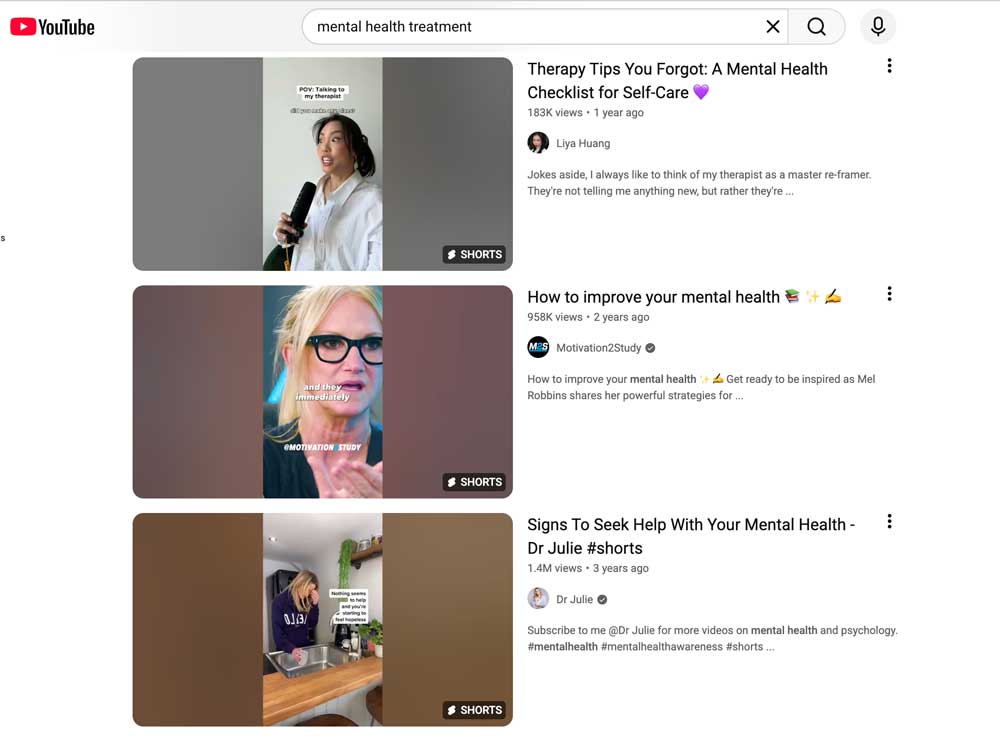
- YouTube is where video gets found. Google’s video best practices describe a watch page as one whose main purpose is to show a single video, and they note that a video sitting inside a blog post or product page is complementary rather than a watch page. In practice, your YouTube page is usually what appears in video results.
- Your website is where video builds trust. Embed each video on the page it supports, such as a level-of-care page or the article it came from, with a short written summary so the page still works for someone who will not press play.
- Your Business Profile is where local searchers see it. Short clips of the space and the first steps of care give people a feel for the program before they ever visit your website.
Caption Everything
Plenty of people watch with the sound off, in a waiting room, at work or late at night next to someone sleeping. YouTube creates automatic captions, but they often stumble on clinical terms, medication names and program names, so review them or upload your own. Accurate captions make each video accessible to more people, and they give search engines real text to understand what the video covers.
Organic Video And Video Ads Are Different
Posting videos to your own YouTube channel, website and Business Profile does not require any special certification. Running YouTube ads for addiction treatment is different: Google’s addiction services policy applies, and US advertisers need LegitScript certification before those ads can run. Plan the two separately so an organic video strategy is never held up waiting on an ad approval.
10 Shorts Ideas That Work For Addiction And Mental Health Providers
- How a confidential call works
- What happens after an assessment
- PHP vs IOP in 20 seconds
- What to bring for intake
- How insurance verification usually works
- Meet the team: what the clinical approach focuses on
- A calm look at the group room
- Family involvement options explained simply
- What a typical day can look like
- Three ways to support a loved one this week
These topics reduce confusion and set expectations before the first call, which tends to improve the quality of the calls you get.
Three Simple Scripts Your Team Can Reuse
Script 1: Admissions Clarity (35–45 seconds)
“Here’s what happens when someone calls. It starts with a confidential conversation to understand what support is needed and what is going on right now. Then the team walks through options and answers questions. If insurance is part of the plan, verification can be started. If it looks like a fit, an assessment is scheduled. From there, next steps are laid out clearly so the process feels straightforward, not overwhelming.”
Script 2: Local Framing (20–30 seconds)
“This program supports adults in and around [City/County]. The focus is structured care, clear next steps, and a process that stays calm and practical. A lot of people feel nervous about reaching out, so the goal is to make it easier to understand what happens next and how to get support without pressure.”
Script 3: Levels Of Care (35–50 seconds)
“IOP is structured therapy a few days per week while living at home, so people can keep up with work, family, and daily life. PHP is more time-intensive during the week and can be a better fit when support needs are higher. The right level depends on safety, symptoms, and day-to-day stability, and the team can help clarify what makes sense during an assessment.”
What Success Looks Like In Month One
Do not overcomplicate metrics. Track a few signals consistently:
- GBP: calls, website clicks, direction requests.
- YouTube: views on Shorts, watch time, subscribers gained.
- Admissions: fewer “confused” calls, better-fit inquiries, more informed families.
- Attribution: tag the links in your video descriptions and Business Profile so website visits from video show up in your analytics, then follow those inquiries through to VOBs, booked assessments and admits.
Video is a trust channel. Early wins often show up as lead quality improvements before big reach numbers.
A Realistic Cadence For Busy Teams
A sustainable starting plan:
- 2 Shorts per week (batch record in 30 minutes).
- 1 GBP video per month (facility or “what to expect” clip).
- Quarterly refresh of your top 5 Shorts (re-record, keep messaging current).
Consistency beats intensity.
Trust Is The Strategy
When someone is nervous about reaching out, clarity matters. A simple, steady video presence helps people understand what happens next, what the environment feels like, and how to get support without pressure. That is the job. Everything else is extra.
Frequently Asked Questions
How long should treatment center videos be?
It depends on where the video will live. Google Business Profile videos can be up to 30 seconds. Shorts can run up to three minutes, but 20 to 45 seconds that answers one question is usually the sweet spot. Explainers on your YouTube channel can run a few minutes when the topic needs it.
Do we need LegitScript certification to post videos on YouTube?
Not for organic videos on your own channel, website or Business Profile. LegitScript certification is required when you run paid ads for addiction treatment in the US, including YouTube ads.
Should we upload videos to YouTube or directly to our website?
Both, for different reasons. Upload to YouTube so the video can be found in YouTube and Google search, then embed it on the most relevant page of your website with a short written summary so visitors get the same answer there.
What equipment do we need to start?
A recent smartphone, a clip-on microphone and a window or soft light in front of the speaker cover most of it. A small tripod at eye level and a teleprompter app help the speaker stay natural and on script.
Where This Fits Into ProDigital Healthcare’s Work
For addiction treatment and behavioral health brands, video is not a separate marketing project. It works best when it is built into the same system that drives local visibility, strengthens trust, and improves admissions-ready inquiries. The goal is simple: use short, privacy-safe videos to reduce uncertainty, reinforce credibility, and help the right people feel ready to call.
ProDigital Healthcare helps providers turn that into a repeatable plan that fits real-world constraints, including compliance, staff time, and multi-location consistency. That includes identifying the best video topics for each level of care, building a safe filming workflow, aligning videos with Google Business Profile and local search intent, and mapping content to the exact questions admissions teams hear every day. For programs that want video without filming anything, we also produce branded videos built from your existing articles, then publish each one back into the article it came from and out to YouTube, your Business Profile, Facebook and LinkedIn, with no work on your team’s end. It works alongside anything your staff films, not instead of it.
Need a clear video plan that supports local rankings and better-fit inquiries? Reach out to ProDigital Healthcare for a consultation to review the current marketing strategy, identify quick wins, and build a simple weekly video rhythm that is realistic for the team and aligned with growth goals.